We are going to leave some basic installation instructions here just in case anyone has trouble. I don't anticipate it happening, but people surprise me all the time.
Step 1. Download Pymapper and the Tiles folder on the Home page.
Step 2. Unpack both of the above.
Step 3. Drag the tiles folder into Pymapper
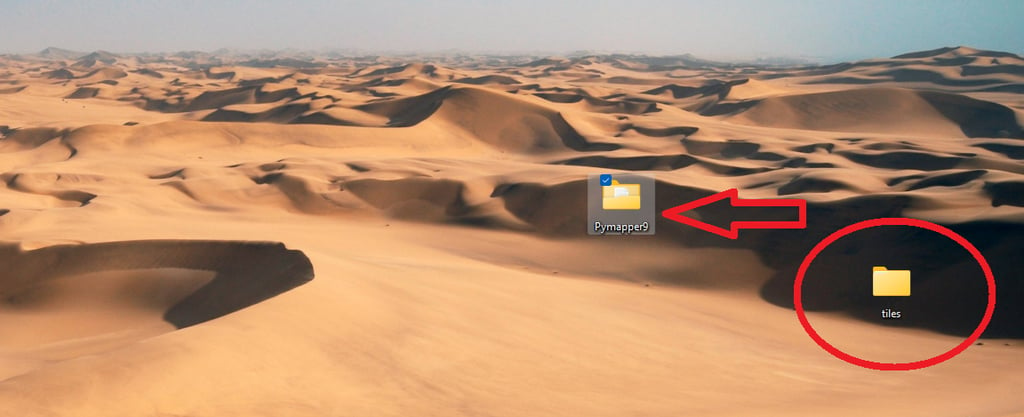
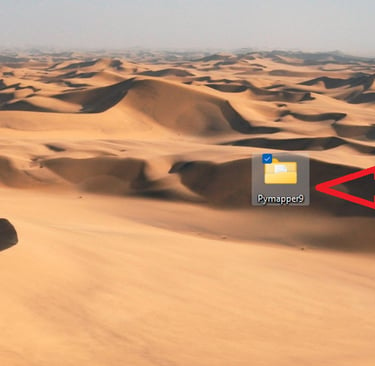
Step 4. Open Pymapper
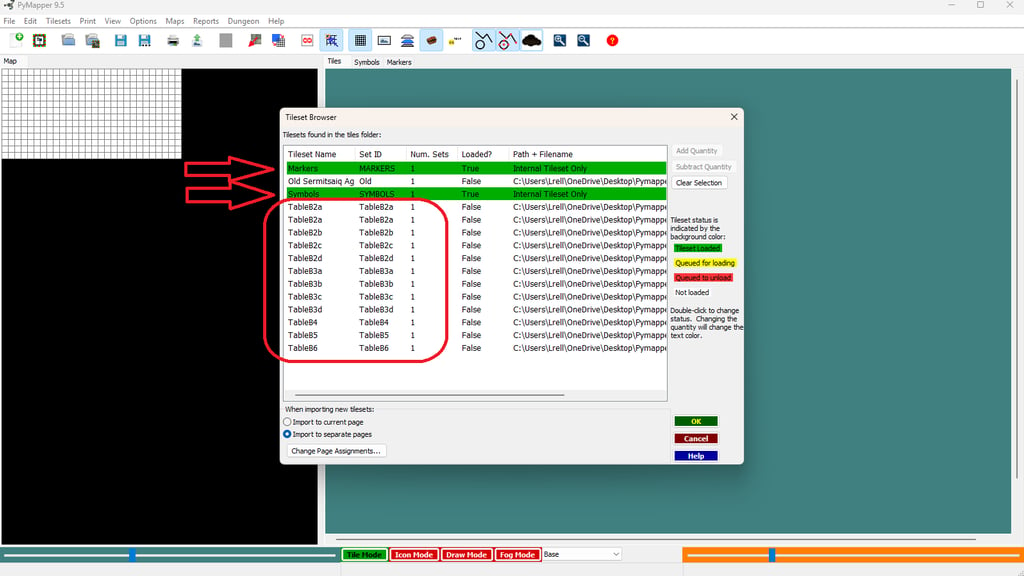
Step 5. Open the Tilesets Menu and select Tile Browser
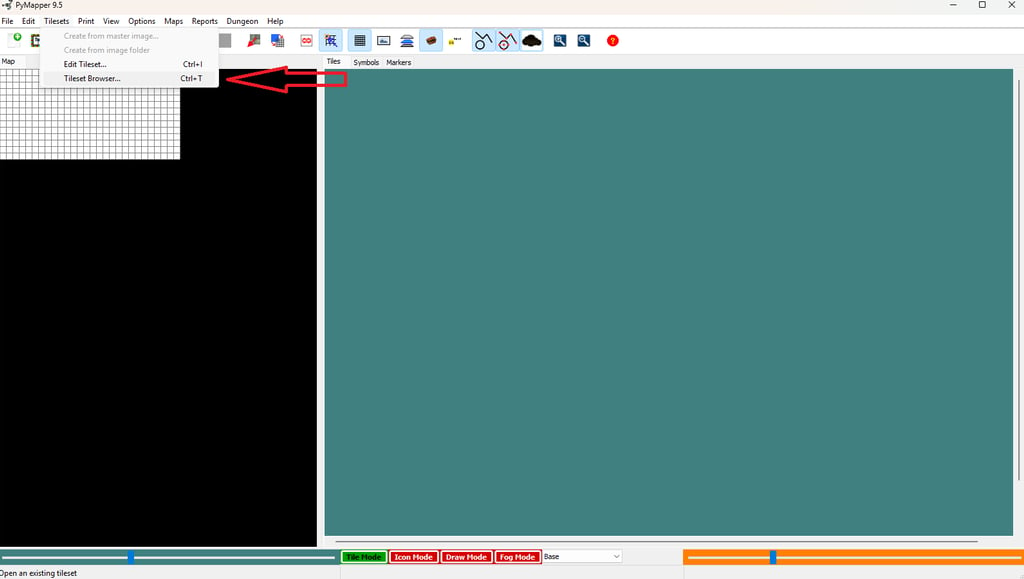
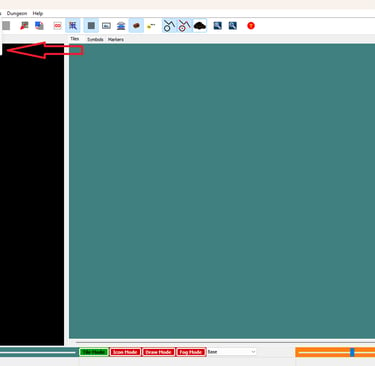
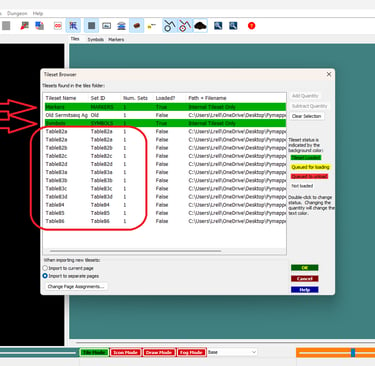
Step 6. Click all the names in the browser until they are all Green. Press OK.
Step 7 (optional) Buy me a Beer.